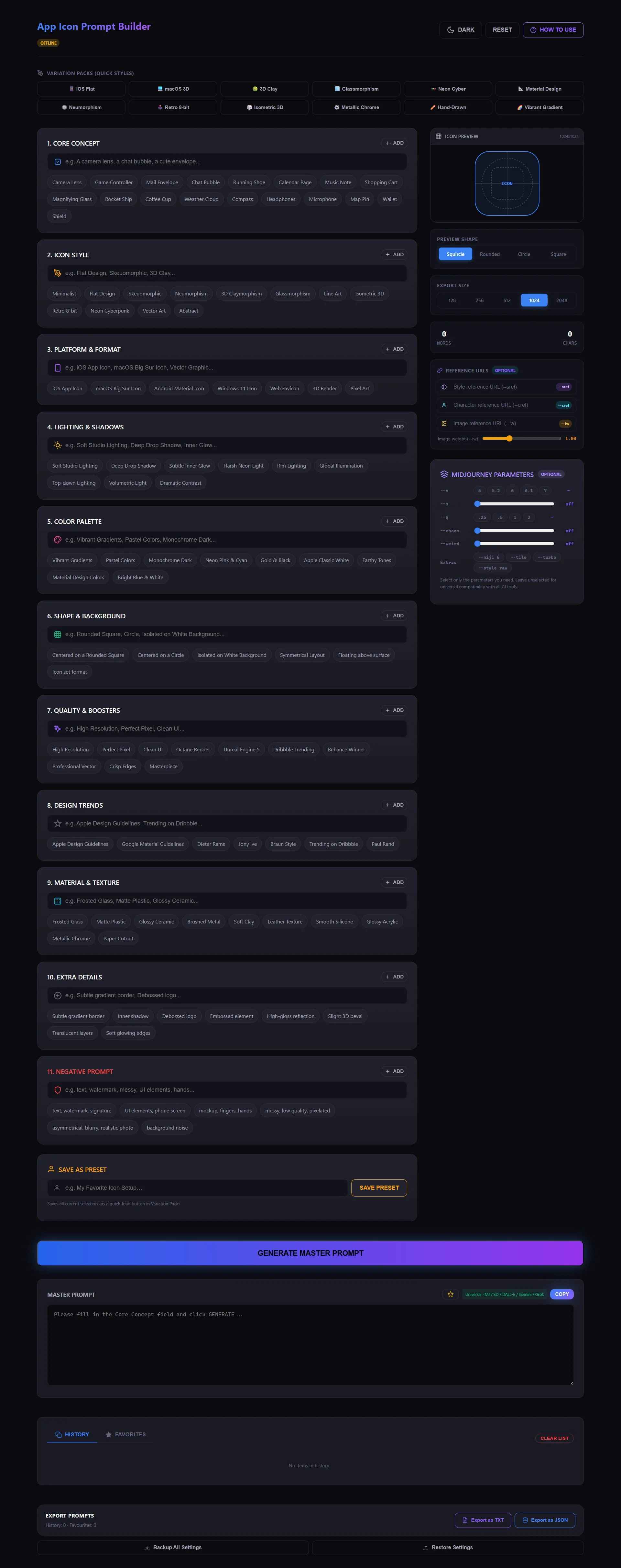

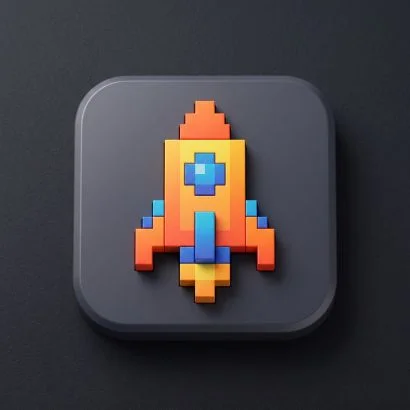
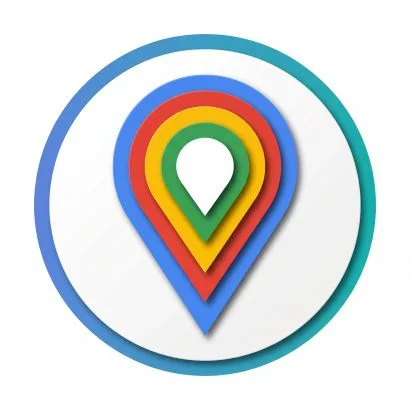
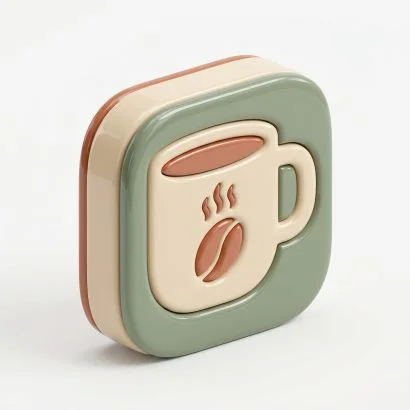
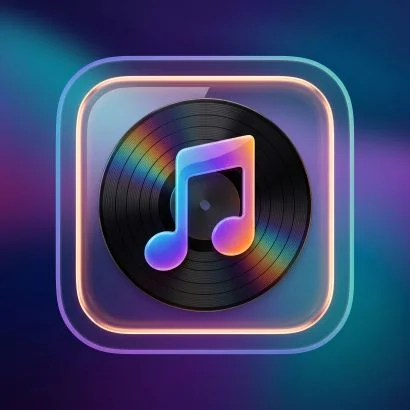
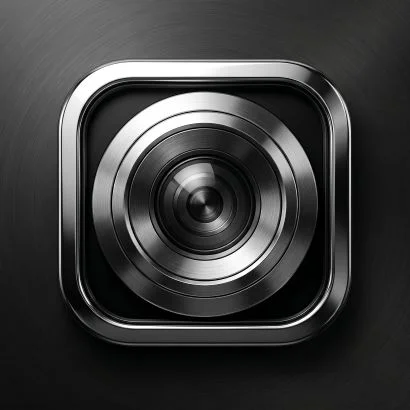
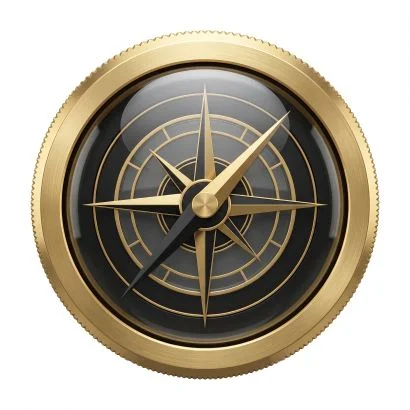
Creating believable, production-ready app icons with Artificial Intelligence is an art form. Without the right structure, AI models tend to produce messy backgrounds, unwanted text, or flat, uninspired graphics. For UI/UX designers, developers, and digital storefront sellers, having a reliable system to generate icons is invaluable. Our App Icon Prompt Builder handles the complex syntax, but understanding the logic behind it will make you a master prompt engineer.
What is the best AI for app icon art?
Currently, Midjourney v6 is the undisputed king of icon design, especially for 3D, Skeuomorphic, and Glassmorphism styles. Its understanding of textures and cinematic lighting creates icons that pop off the screen. For flat vector-style icons, DALL‑E 3 is excellent at adhering strictly to simple, bold prompts. Stable Diffusion is fantastic if you need exact shape control (via ControlNet). Our builder generates universal prompts that perform brilliantly across all these platforms, while offering specific parameter panels for Midjourney users.
How to prompt AI for perfect UI concepts
A professional app icon prompt acts as a detailed design brief. It needs to be organized logically:
- Subject & Core Concept: Clearly state what the icon depicts (e.g., "A minimalist camera lens" or "A cute 3D game controller").
- Style & Format: Tell the AI the context. Is it an "iOS App Icon" or a "macOS Big Sur Icon"? Is it "Flat Design" or "Neumorphic"?
- Material & Texture: This separates amateur icons from professional ones. Use chips like "Frosted Glass," "Matte Plastic," or "Glossy Ceramic" to define the surface.
- Lighting & Atmosphere: Lighting defines depth. "Soft Studio Lighting" works great for 3D clay styles, while "Rim Lighting" is perfect for dark-mode neon icons.
Eliminating background noise
AI models naturally want to place objects in realistic environments or add UI elements like phone screens around your icon. Negative prompting is your shield against these errors. By adding --no text, watermark, UI elements, phone screen, messy (all easily selectable in the Negative Prompt section), you force the AI to stick strictly to an isolated, centered icon that is easy to cut out and use.
Using variation packs for full icon sets
If you are designing a full icon pack for sale on Gumroad or Etsy, visual consistency is vital. If your calendar icon is flat vector and your mail icon is 3D glass, the pack fails. By utilizing the Variation Packs (like iOS Flat, 3D Clay, or Metallic Chrome), you establish a baseline aesthetic. Simply load a pack, swap out the subject, and hit generate. Combined with Midjourney's --sref (Style Reference), you'll get a beautifully unified set of icons ready for market.
Ready to design your next hit app? Grab the App Icon Prompt Builder and bring your UI to life.