Home Tools Contact Us ๐Ÿ›’ Shop on Etsy
Bestselling Tool for Digital Artists & RPG Gamers

Design Legendary Fantasy Characters That Come Alive

The ultimate Fantasy Character Prompt Builder for concept artists, authors, and D&D players. Craft breathtaking concept art with 12 Masterclass variation packs, deep lore integrations, and precise aesthetic controls. Stop struggling with generic AI outputs and start generating epic heroes.

100% Compatible with your favorite AI Image Generators

โ›ต Midjourney v6 ๐ŸŽจ DALLยทE 3 ๐ŸŒŒ Stable Diffusion XL โœจ Gemini ๐Ÿฆ Leonardo.ai

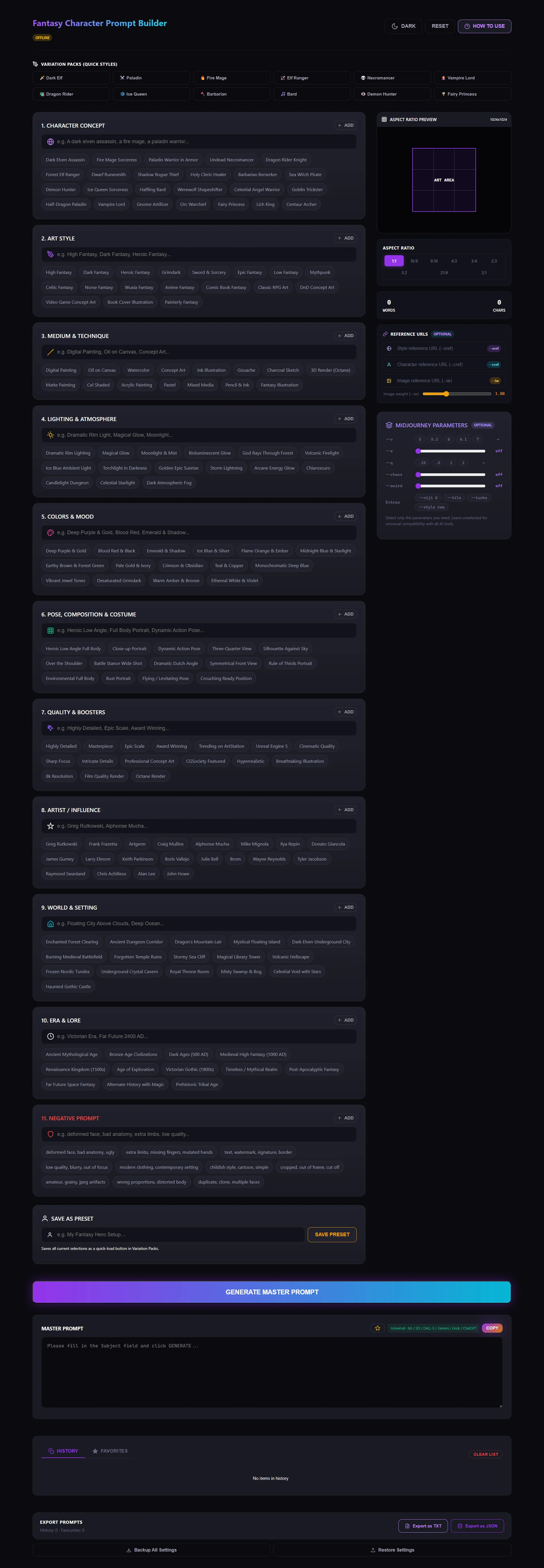
See The Builder In Action

A clean, dark-mode optimized HTML tool that runs completely offline in your browser. Just open and start creating.

Fantasy Character Prompt Builder

It runs in your browser, not in the cloud.

No account needed

No sign-up, no email verification, no subscription. Open the file and start building your heroes.

No internet required

The single HTML file runs entirely in your browser โ€” play D&D completely off-grid and still prep your prompts.

250-prompt history

Every tool includes history, favorites, ready-made presets, and JSON export. Your characters stay safe in your browser.

Works with every platform

Output tuned for Midjourney, DALLยทE 3, Stable Diffusion, Ideogram, Gemini, Grok, and ChatGPT.

How to Use the Builder

A seamless workflow designed specifically for generating consistent, high-quality character designs.

๐Ÿ“ฆ
01

Pick a Variation Pack

Start fast by clicking any quick-style button at the top โ€” Dark Elf, Paladin, Necromancer, Fairy Princess, etc. It pre-fills Art Style, Medium, Lighting, and Texture fields instantly.

๐ŸŽฏ
02

Describe your Subject

Type your core concept in the Subject field. Be specific: "a half-dragon paladin in golden armor" or "a rogue thief with glowing daggers."

๐Ÿงฉ
03

Select Chips

Click any chip to select it. Choose from comprehensive lists including World & Setting, Era & Lore, Lighting, Textures, and Artists. Type custom values to make it unique.

๐Ÿ“
04

Set Aspect Ratio

Use the visual ratio switcher to choose your canvas shape. Need a portrait token? Choose 3:4. Need an epic landscape battle? Choose 16:9.

๐Ÿ”—
05

Add References & Params

Using Midjourney? Input your --cref (Character Reference) URLs to maintain consistent faces, and tweak granular parameters like Stylize and Chaos right from the dashboard.

โšก
06

Generate Master Prompt

Click the big GENERATE button. Your fully crafted prompt appears in the output box, structured perfectly for the AI to understand your character's anatomy and vibe.

๐Ÿ’พ
07

Save & Export

Save your favorite characters as Custom Presets. They'll appear as quick-load buttons next to the default packs. Export your entire workspace to a JSON backup anytime.

Engineered for Worldbuilders

Everything you need to create production-ready digital art for books, games, and campaigns.

๐Ÿ—ก๏ธ

12 Fantasy Variation Packs

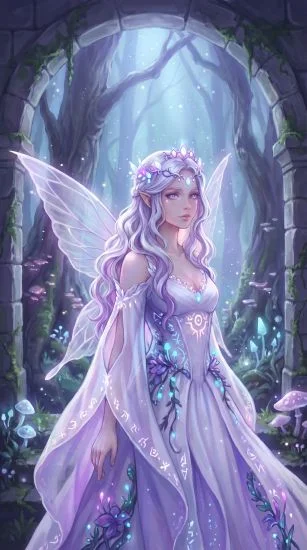
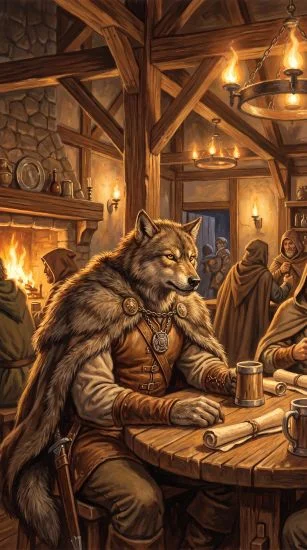
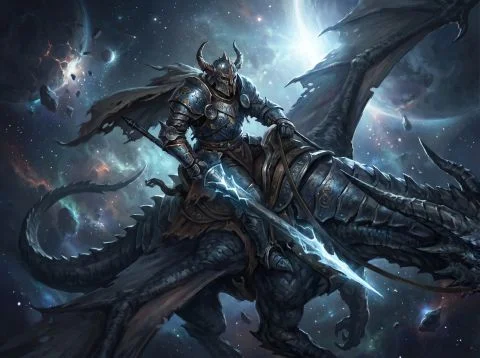
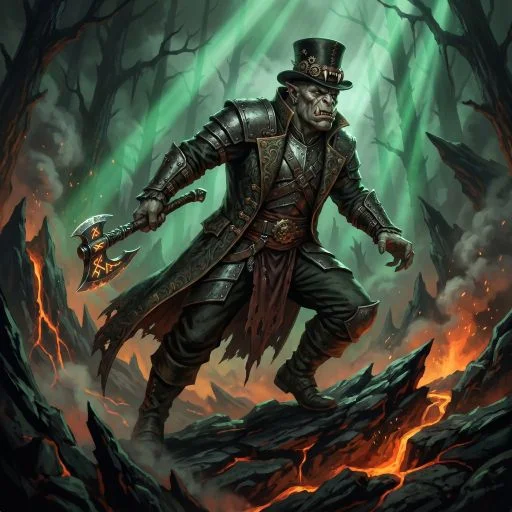
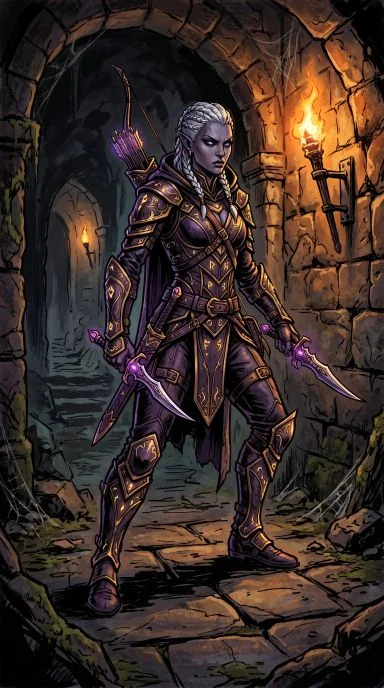
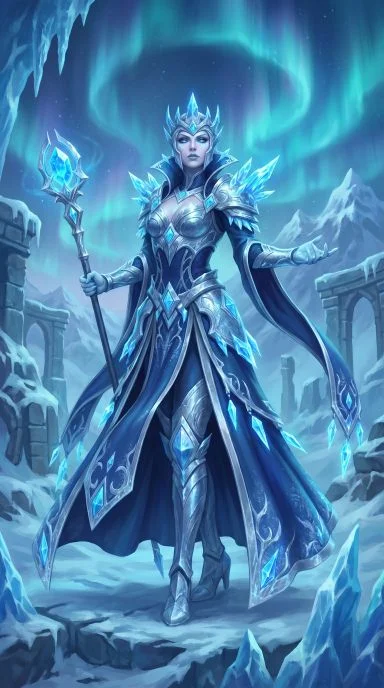
From Grimdark Demon Hunters to Ethereal Fairy Princesses. Instantly set the mood, era, and aesthetic of your character with one click.

๐Ÿ“œ

Deep Lore Integrations

Go beyond visual style. Tag your characters with distinct Eras (e.g., Bronze Age, High Medieval) and Environments (Dragon Lair, Floating City) for perfect worldbuilding.

๐Ÿ›ก๏ธ

Granular Texture Control

Define exactly what your hero is wearing. Mix "Ornate Plate Armor" with "Battle-Worn Chainmail" or "Enchanted Leather" for breathtaking detail.

๐ŸŽ›๏ธ

Midjourney Parameter Panel

No need to memorize syntax. Use sliders and toggles for --stylize, --weird, --chaos, --niji, and --quality to fine-tune your Midjourney generations.

๐Ÿ“ธ

Reference URLs (--cref, --sref)

Maintain character consistency across different generations by easily plugging in image, style, and character reference links with adjustable weights.

๐Ÿ›‘

Built-in Safeties

Append powerful negative prompts to keep deformed faces, bad anatomy, and modern clothing out of your fantasy renders.

Mastering AI Fantasy Character Design

Everything you need to know about generating cohesive, breathtaking concept art for your campaigns, novels, or digital storefronts.

Creating believable fantasy characters with Artificial Intelligence is an art form. Without the right structure, AI models tend to produce generic faces, nonsensical armor, or anachronistic clothing. For Dungeon Masters, indie authors, and concept artists, having a reliable system to generate character portraits is invaluable. Our Fantasy Character Prompt Builder handles the complex syntax, but understanding the logic behind it will make you a master prompt engineer.

What is the best AI for fantasy character art?

Currently, Midjourney v6 is the undisputed king of fantasy concept art. Its understanding of textures, cinematic lighting, and dynamic composition is unparalleled. For anime-inspired fantasy, Midjourney's Niji 6 parameter is exceptional. DALLโ€‘E 3 is great for exact adherence to physical descriptions but can feel a bit too "plastic" or stylized. Stable Diffusion is fantastic if you need exact pose control (via ControlNet), but it requires extensive setup. Our builder generates universal prompts that perform brilliantly across all these platforms, while offering specific parameter panels for Midjourney users.

How to prompt AI for perfect character concepts

A professional character design prompt is like a film director's shot list. It needs to be organized logically:

  • Subject & Archetype: Clearly state who the character is (e.g., "A grizzled Dwarven Runesmith" or "A graceful High Elf Ranger").
  • Costume & Texture: AI needs specifics. Don't just say "armor." Use chips like "Ornate Plate Armor," "Fur-Trimmed Cloak," or "Glowing Rune Engravings."
  • Lighting & Atmosphere: Lighting dictates the mood. "Dramatic Rim Lighting" or "Volcanic Firelight" creates epic intensity, while "Moonlight & Mist" fits a rogue perfectly.
  • Camera & Composition: Control the framing. Use "Heroic Low Angle Full Body" for action shots, or "Close-up Portrait" for dialogue tokens.

Mastering character consistency

The hardest part of AI character generation is keeping the same face across different images. If you use Midjourney, the solution is the --cref (Character Reference) parameter. You can paste an image URL of your generated character into the Builder's Reference Panel, set the image weight, and generate them again in a different setting or pose. Combined with the Builder's "Save as Preset" feature, you can lock in the exact prompt structure to ensure your character's art style remains identical.

Why negative prompting matters in fantasy

AI models have been trained on modern photographs, so they easily slip modern elements into fantasy scenes. Negative prompting is your shield against immersion-breaking errors. By adding --no modern clothing, contemporary setting, extra limbs, bad anatomy (all easily selectable in the Negative Prompt section), you force the AI to stick strictly to the historical and fantasy elements you requested.

Using variation packs for cohesive world-building

If you are illustrating an entire D&D campaign or novel, visual consistency between factions is vital. If your elves are painted in watercolor and your orcs look like 3D renders, the world feels disjointed. By utilizing the Variation Packs (like Dark Fantasy, Grimdark, or High Fantasy), you establish a baseline aesthetic. Simply load a pack, swap out the subject, and hit generate. You'll get a beautiful, unified cast of characters ready to populate your universe.

Ready to forge your champions? Grab the Fantasy Character Prompt Builder and bring your imagination to life.

๐Ÿ’ก

Pro Tip for RPG Campaigns

Combine a saved Preset with Midjourney's Character Reference (--cref) parameter in the Reference URLs panel. This allows you to generate the exact same hero in multiple dynamic poses, battle scenes, and environmentsโ€”perfect for character sheets, visual novels, and immersive storytelling!

Ready to Forge Your Legends? ๐Ÿ‰

Get the Fantasy Character Prompt Builder today. Instant HTML download, lifetime offline access, and free updates.

๐Ÿ›’ Purchase on Etsy

Trusted by DMs & Concept Artists โ€ข Instant digital delivery

Explore Other Tools

Level up your AI art generation with our other specialized prompt builders.

๐ŸŽƒ

Halloween Image Prompt Generator

Spooky season never ends! Craft hauntingly beautiful Halloween-themed prompts for seasonal products that sell year-round.

Seasonal Spooky Best Seller
View Halloween Image Prompt Tool โ†’
๐ŸŽจ

Oil Painting Prompt Builder

Master the classical look. Generate prompts that mimic traditional oil painting techniques with rich textures and depth.

Fine Art Classical Textured
View Oil Painting Prompt Tool โ†’
๐Ÿ–Œ๏ธ

Watercolor Prompt Builder

Soft, flowing, and luminous. Create beautiful watercolor-style prompts ideal for wedding invitations, nursery art, and more.

Watercolor Soft Art Wedding
View Watercolor Prompt Tool โ†’